Dolce
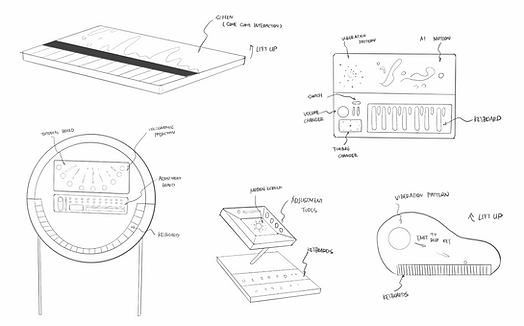
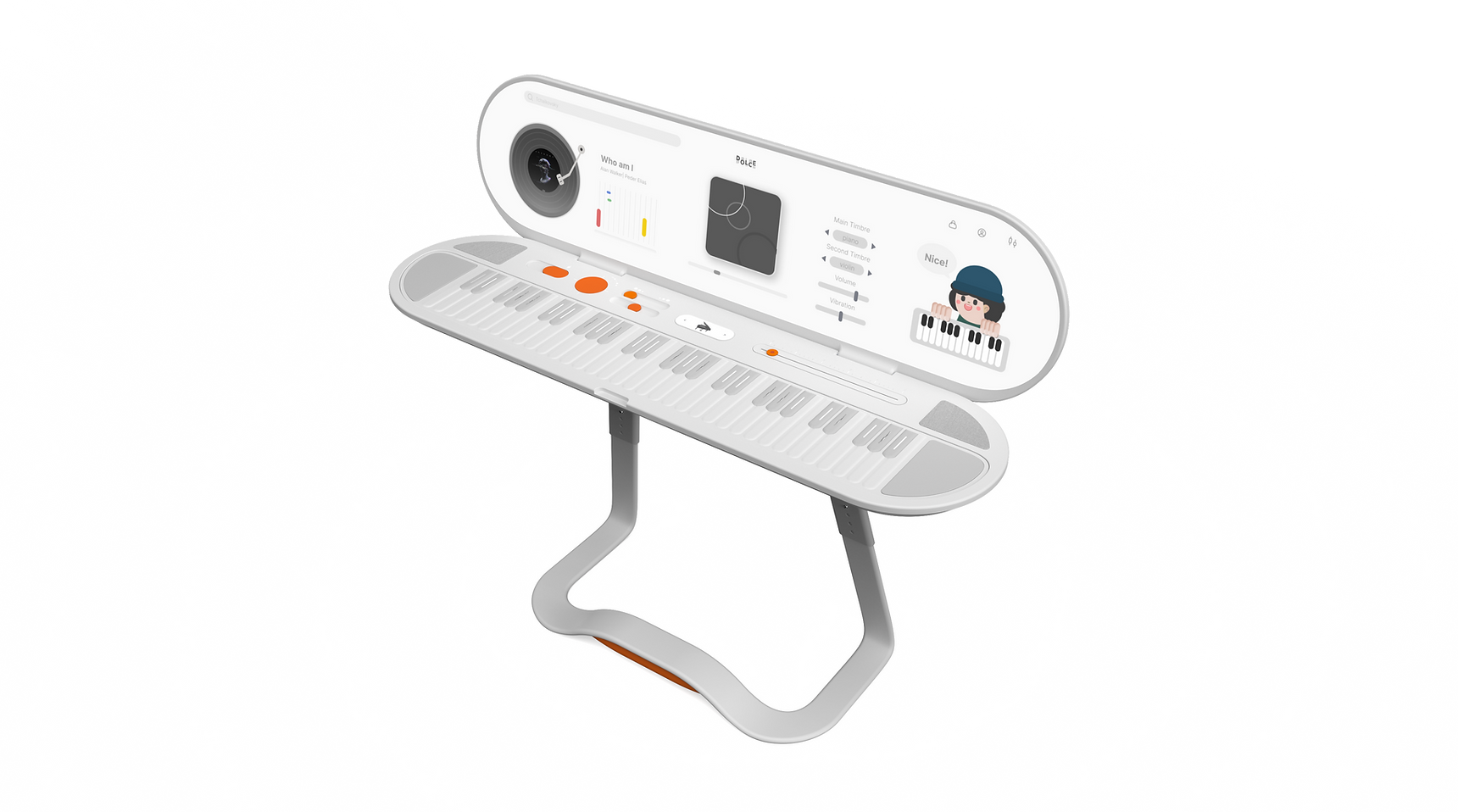
What if you could compose music by manipulating visual patterns versus hearing sound? That is the essence of Dolce - a modern-day digital piano that allows you to create sound by manipulating visual patterns on a futuristic display.


"I actually like listening to music, even though I can't hear it. But when I put on my headphones and turn up the volume, I still can feel the music vibrate with my body and emotions it brings to me."

"Because of my interest in musical instruments, my mom bought me a piano and hired a teacher to train me. But it's so hard and boring to practice every day."

"I always loved music and used some instruments in my young age. But as I got older, I had a hard time hearing beautiful melodies and playing instruments. I really want to recall my younger days through music again."

"I've been in a band with my friends lately, but it always feels like something is missing. It would be cool if the instruments could give us that club feel."
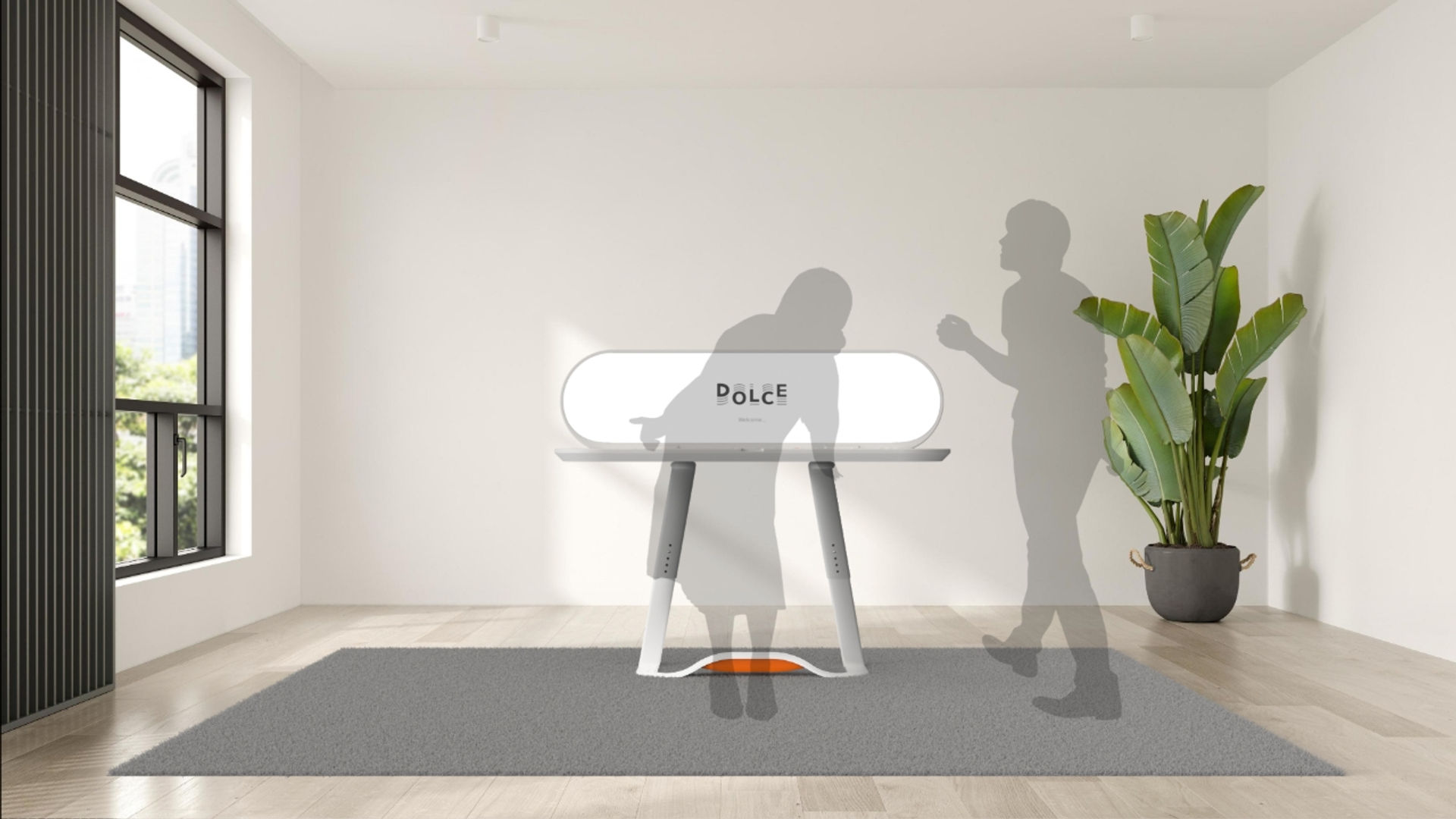
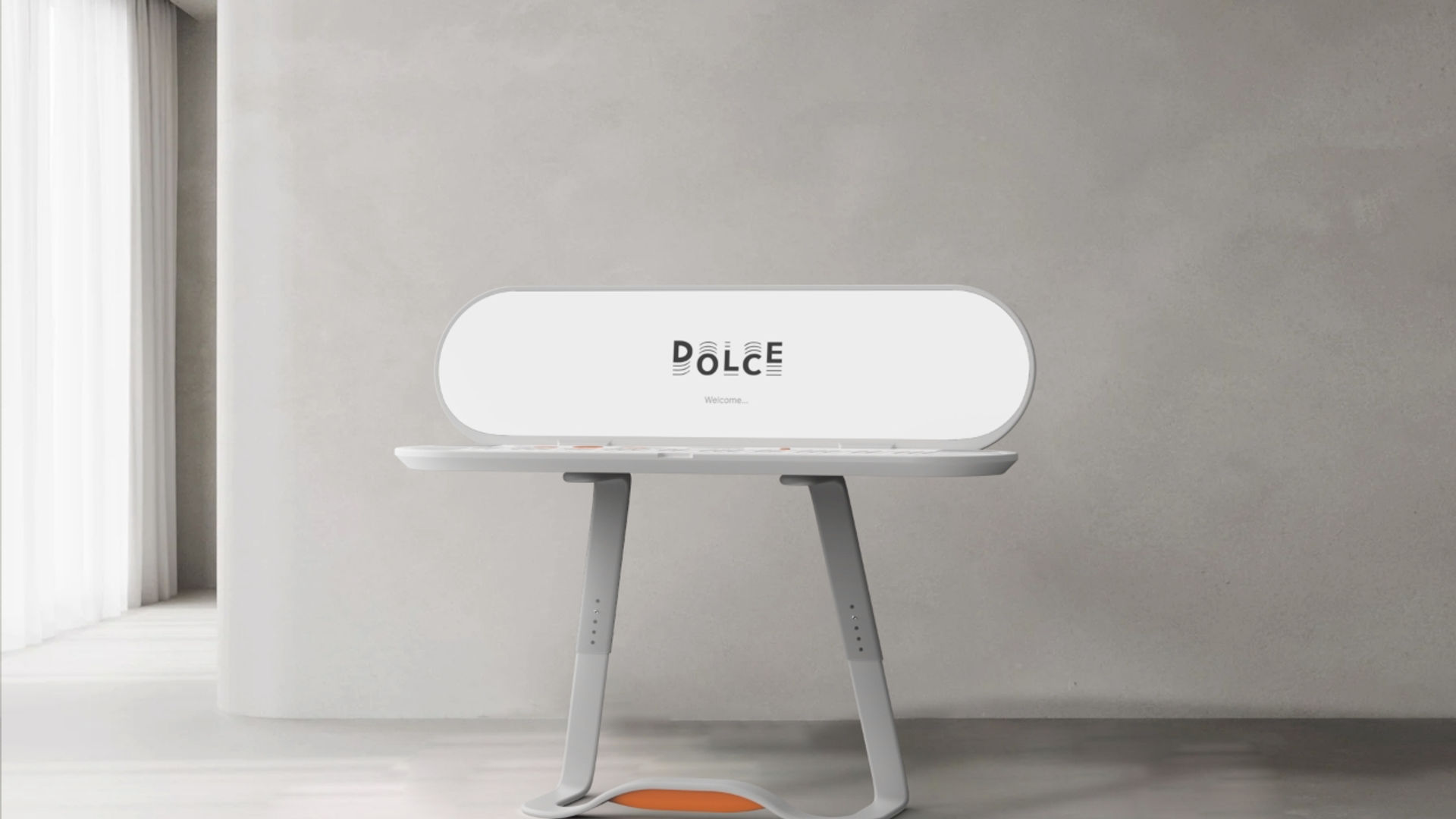
Introducing Dolce, an electronic keyboard that goes beyond melodies, providing a sensory experience with tactile and visual sensations. Elevate your musical journey with this innovative instrument. At the same time enabling a wider group of people to play an instrument.
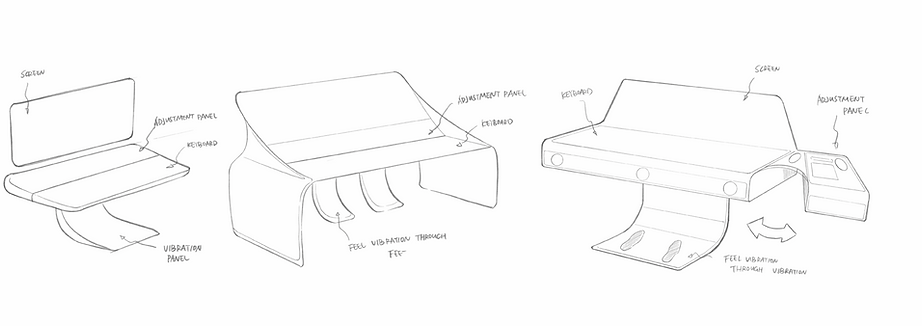
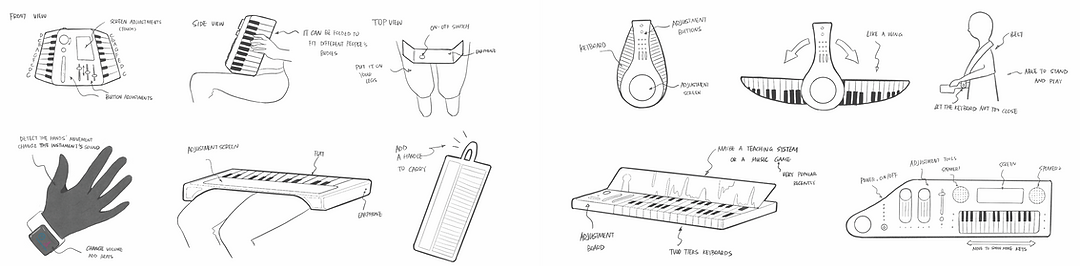


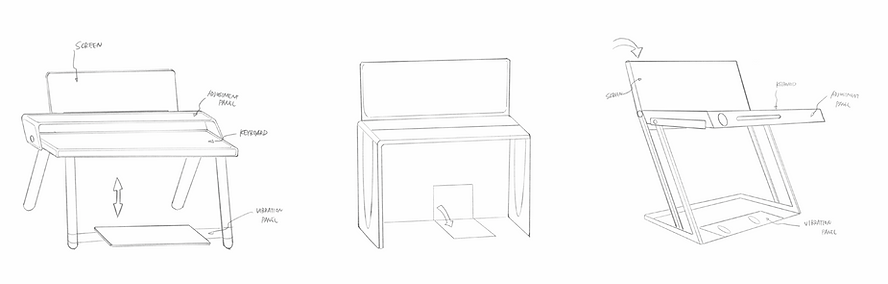
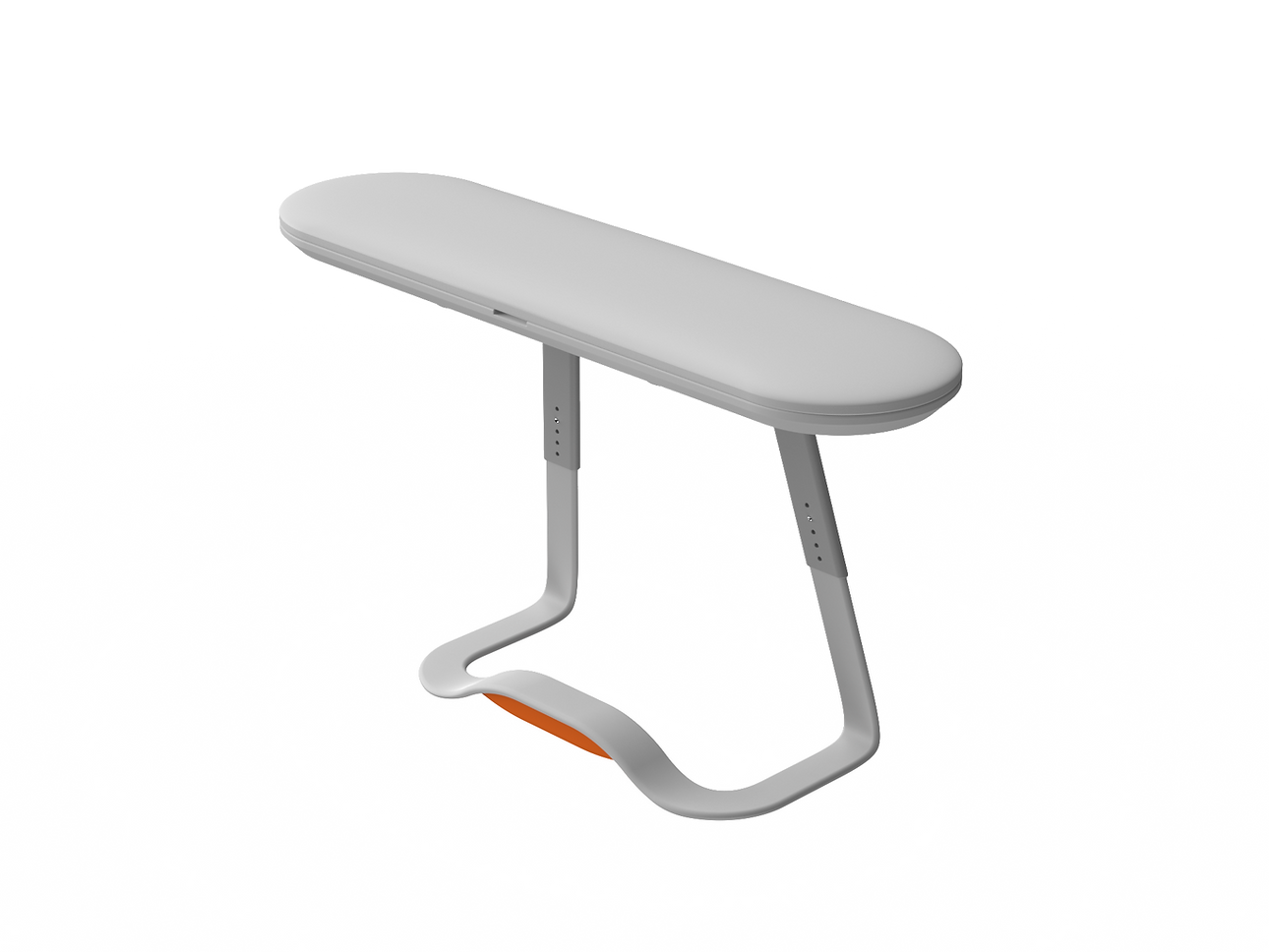
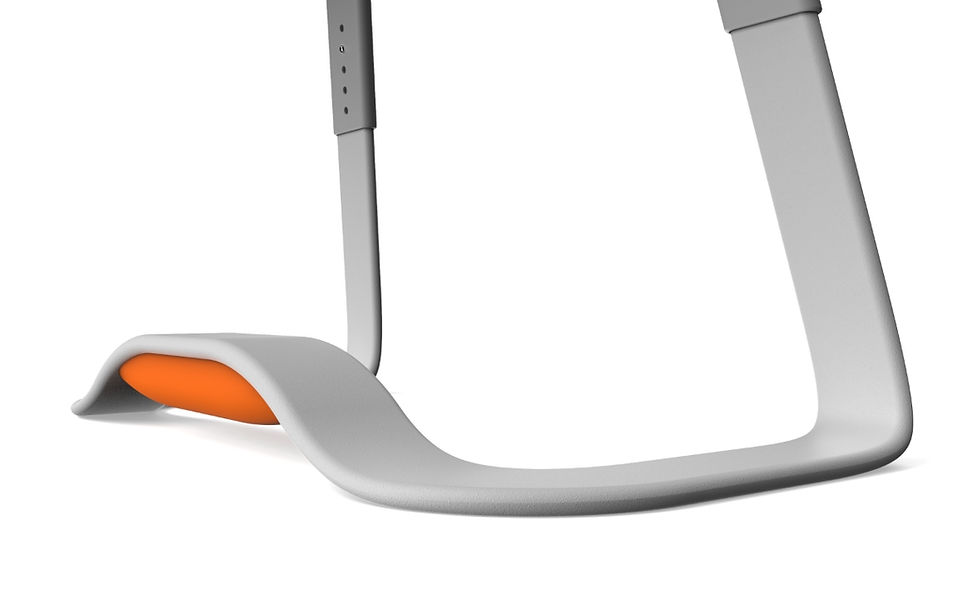
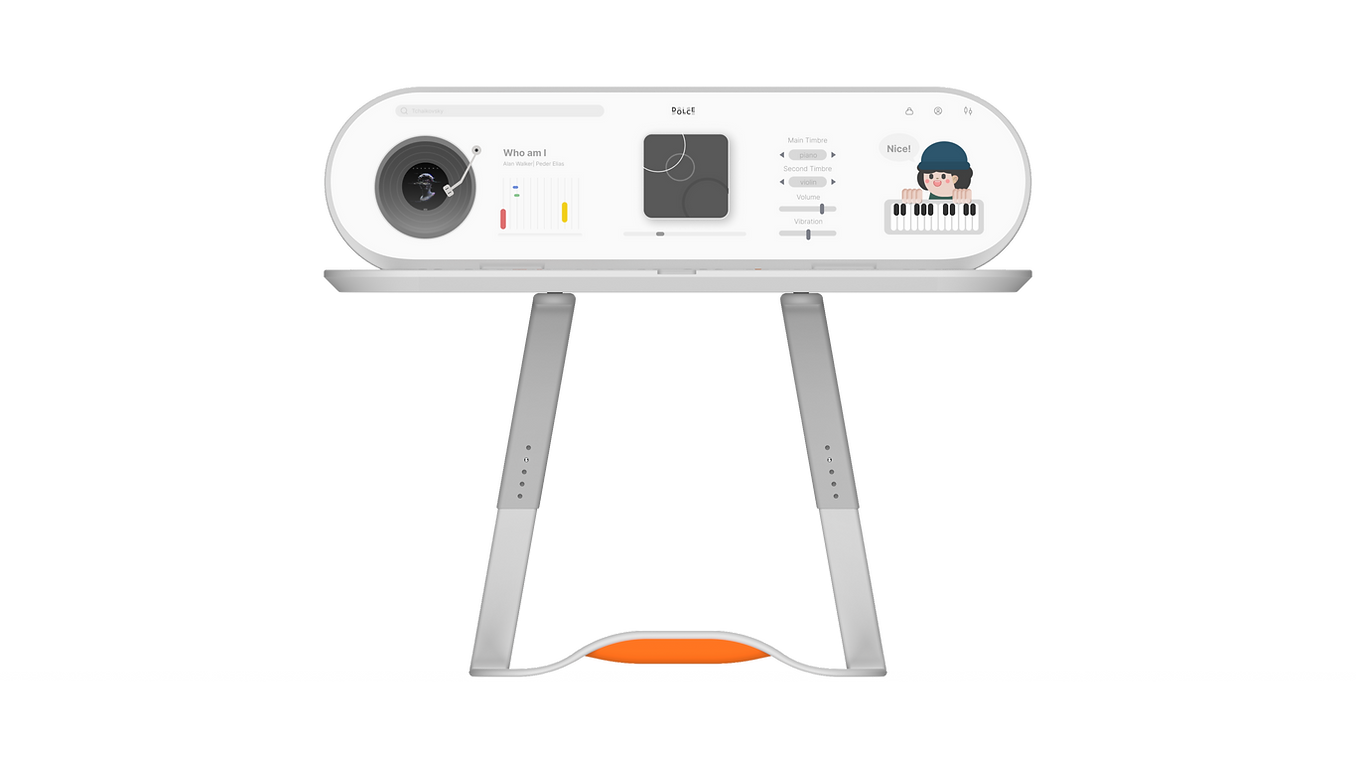
While playing, the pedal provides vibrations that correlate with the rhythm and intensity of the music. The sensation of vibration coming from the feet does not interfere with the player's thinking while playing, but rather better provides the mood that the music brings.
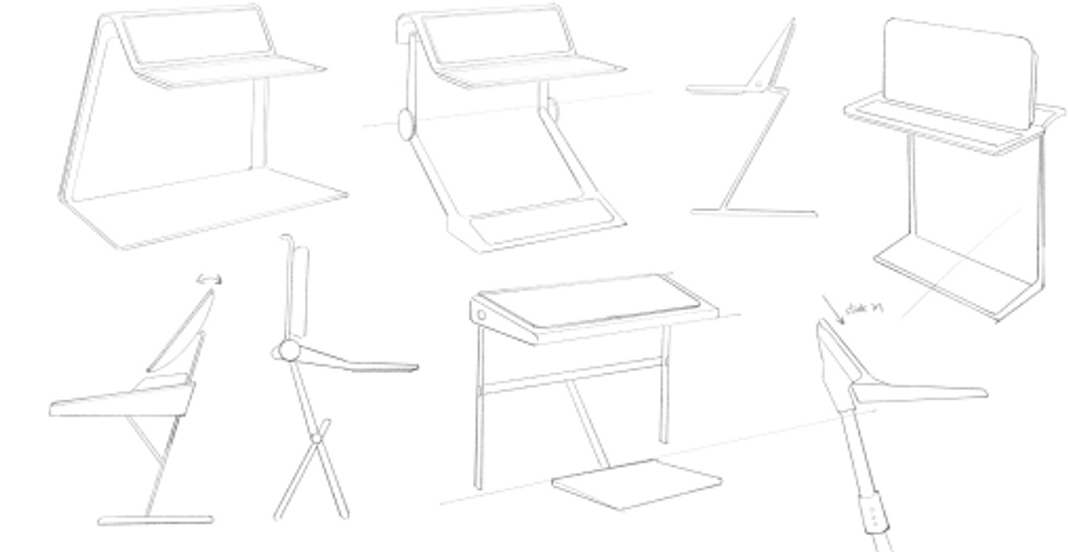
Height adjustment is also available for different players' heights.
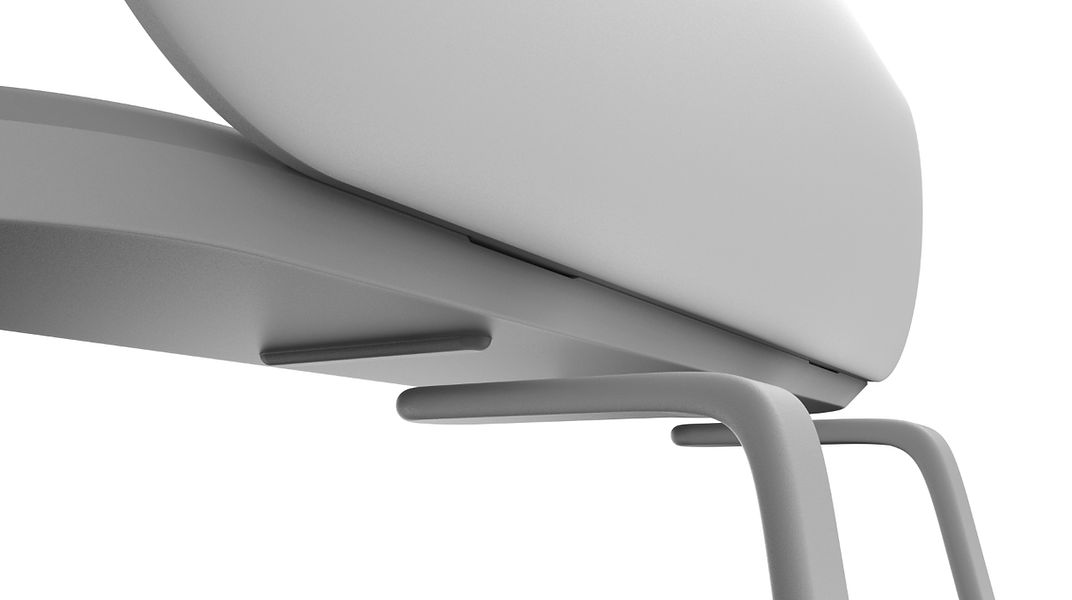
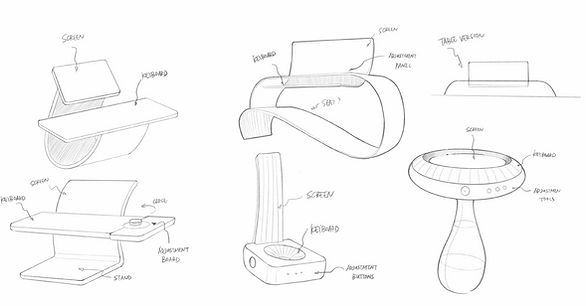
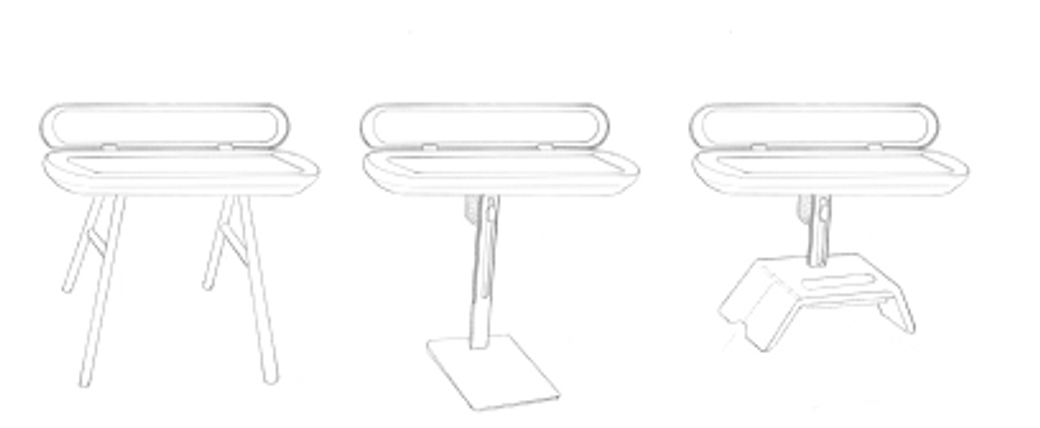
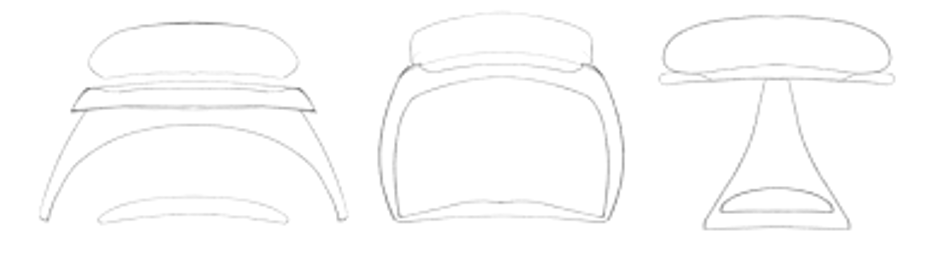
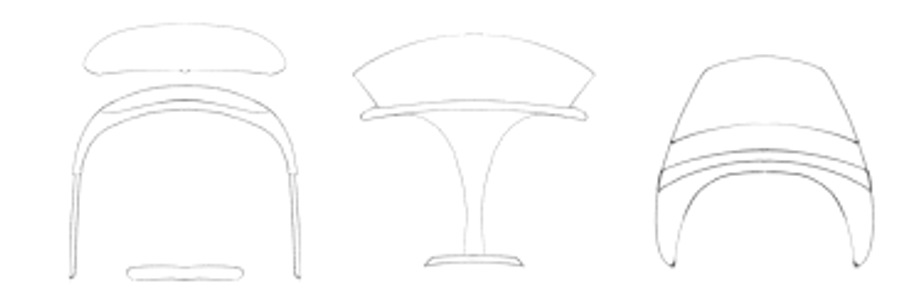
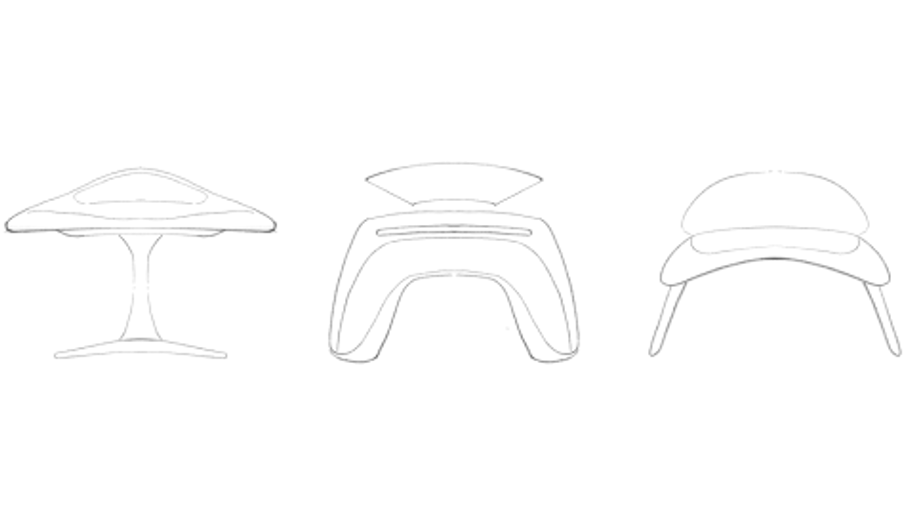
The Dolce's keyboard and stand are removable and can be assembled quite simply by scratching the keyboard's tabs into the stand's grooves. This makes the keyboard portable, so users can simply take the keyboard with them when they want to take Dolce on the go.
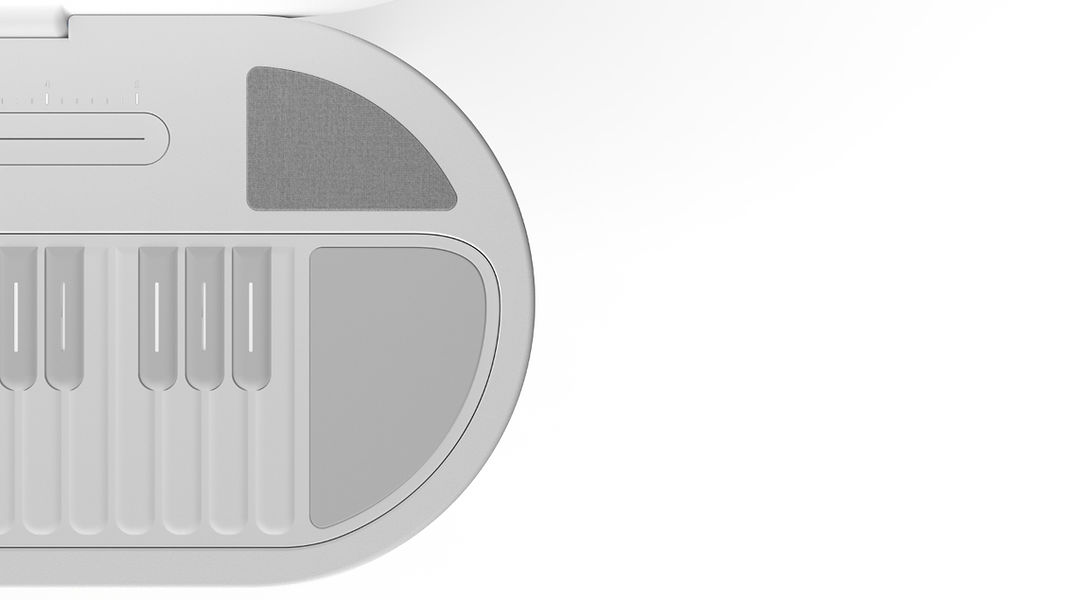
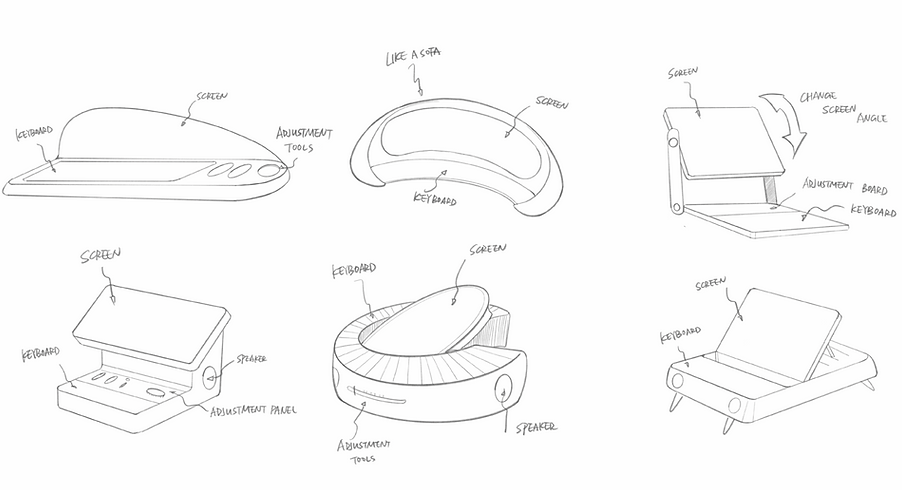
The left and right sides of the keyboard are equipped with a sound and touch bar, and the left and right surround sound quality allows the player to feel the beautiful melodies when playing. Although our screen is touchable, it is not very practical to use a touch screen when playing, the touch bar solves this problem and allows better control of the functions on the screen, just like a laptop.
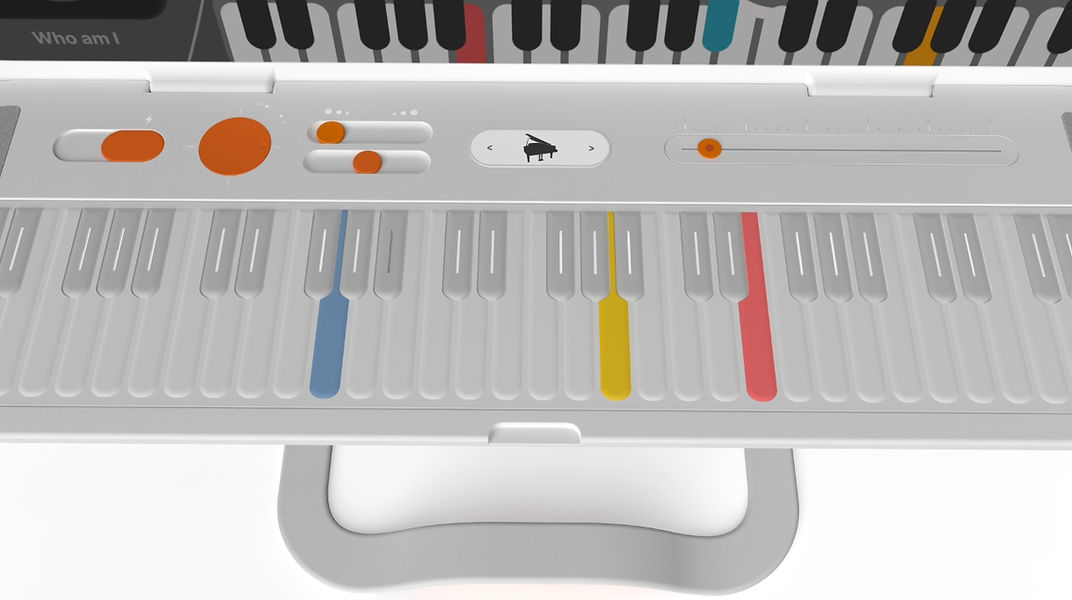
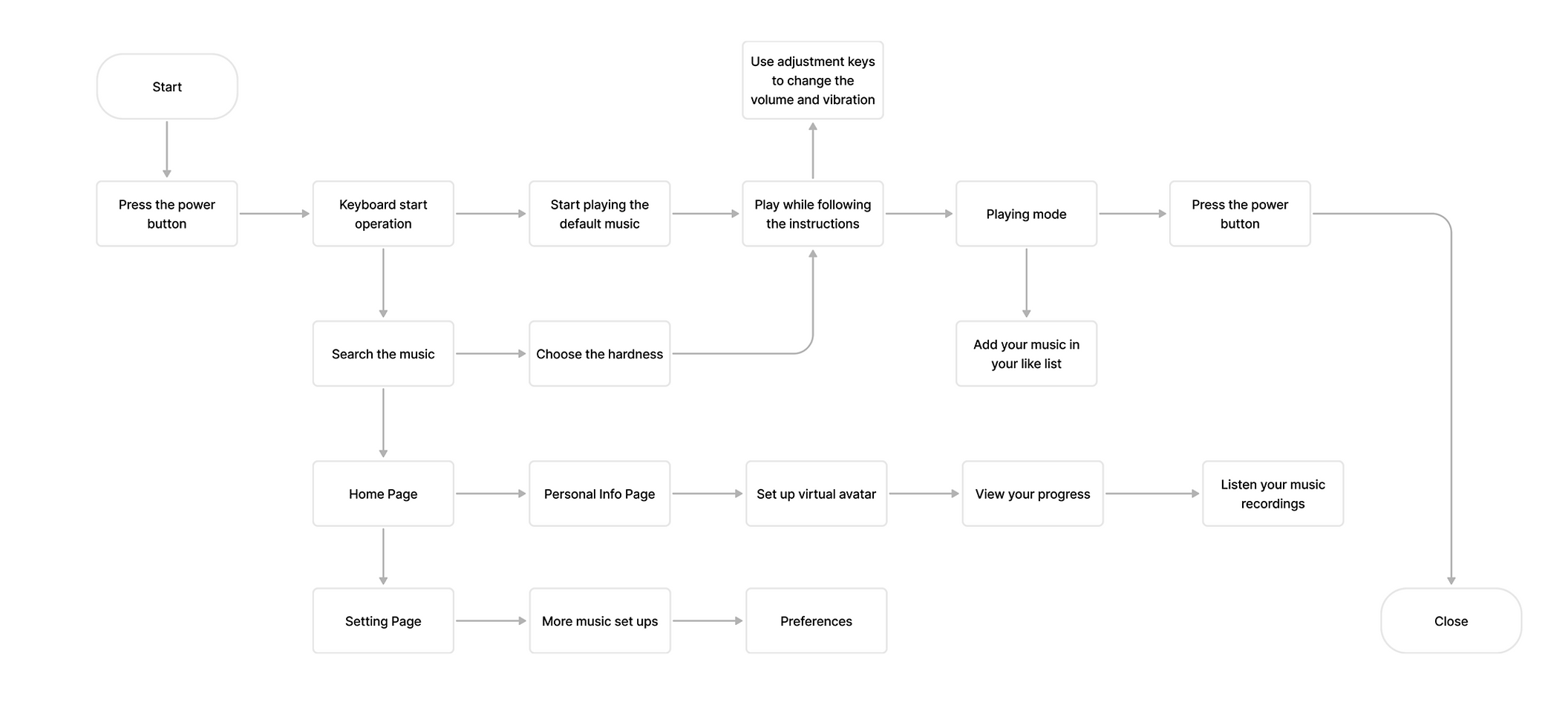
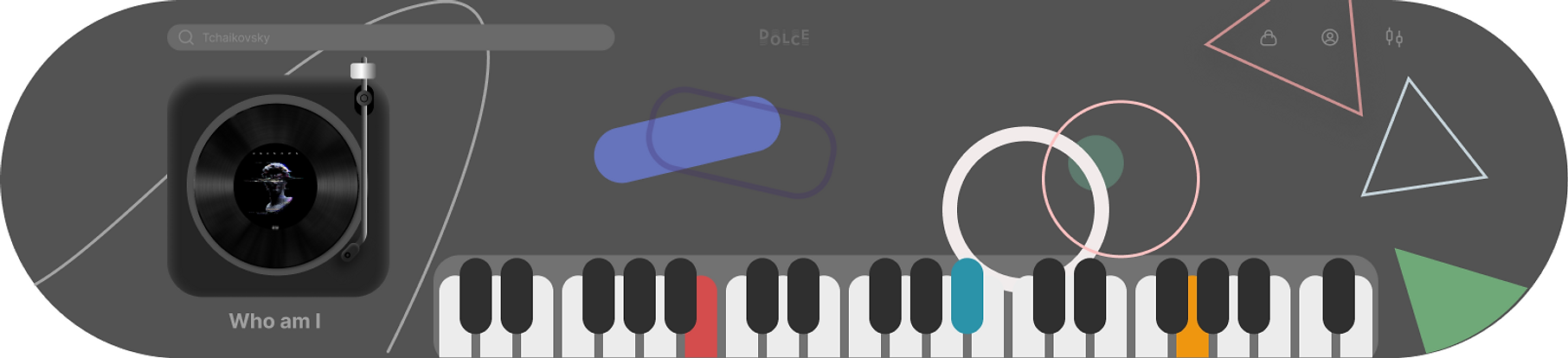
To better enable new users to learn the instrument, Dolce has a teaching feature. Not only will the next key to be pressed be displayed on the screen, but the keyboard will also light up in the appropriate color. It will also indicate the intensity based on the brightness of the color.
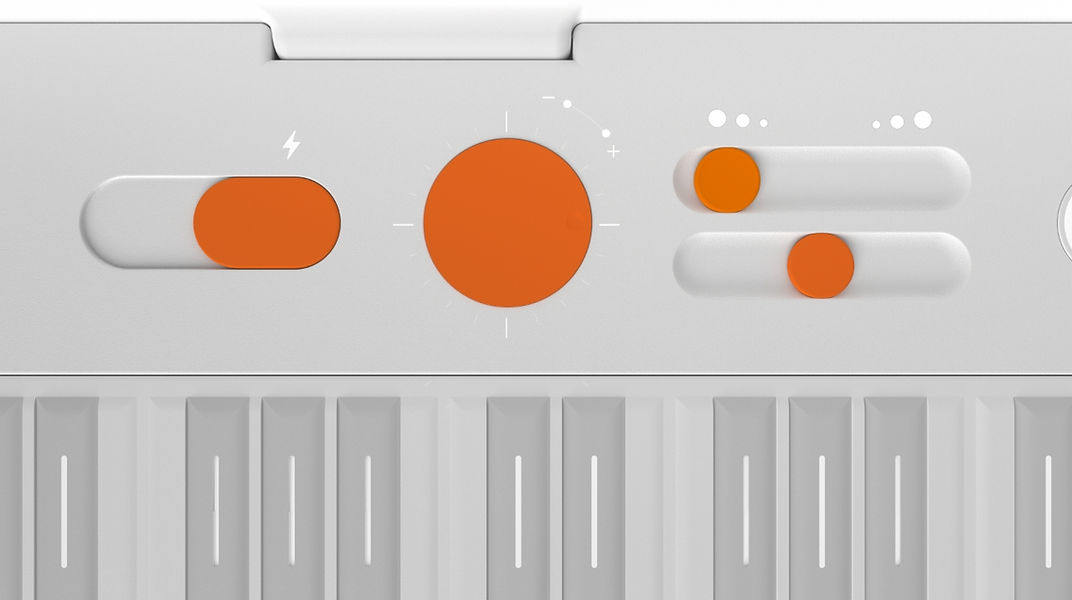
Although it is also adjustable on the screen, I made the on/off button, volume buttons, timbre button and vibration size case physical buttons as well. This will provide the user with more of a user experience and a sense of realism in using the product.
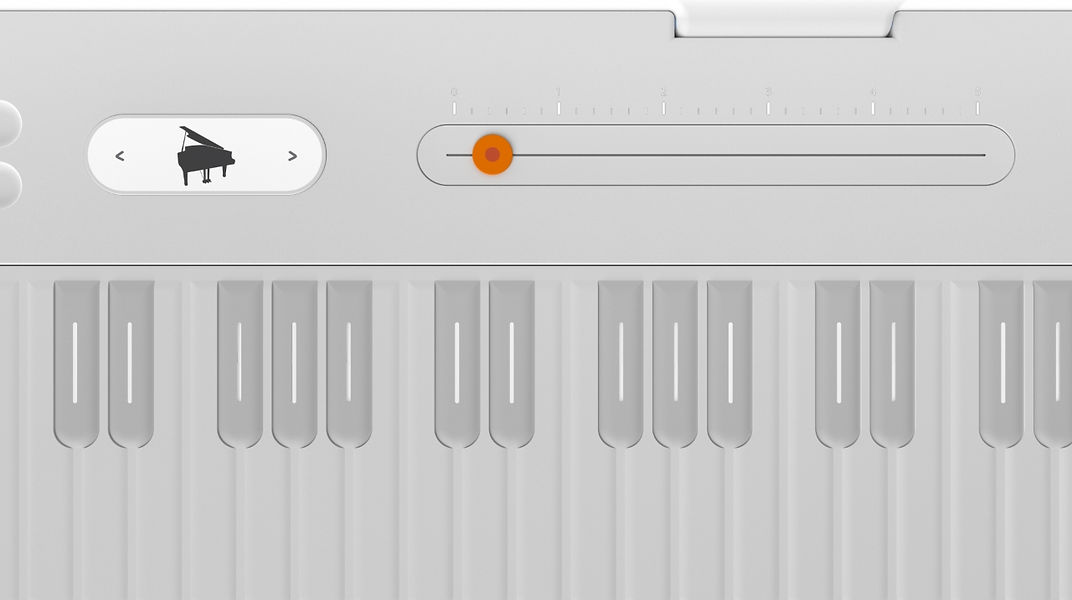
The inclusion of a small screen allows the user to visualize more intuitively which function has just been changed, and the time is also displayed during breaks.
The record button has also been made physical, which will make it easier for the user to start recording at any time, and will also allow for better visibility of the recording process.
Entry screen when power on, showing the product's logo

Showing the keys' instruction and motion graphics based on the music
Some basic data and information about the playing song
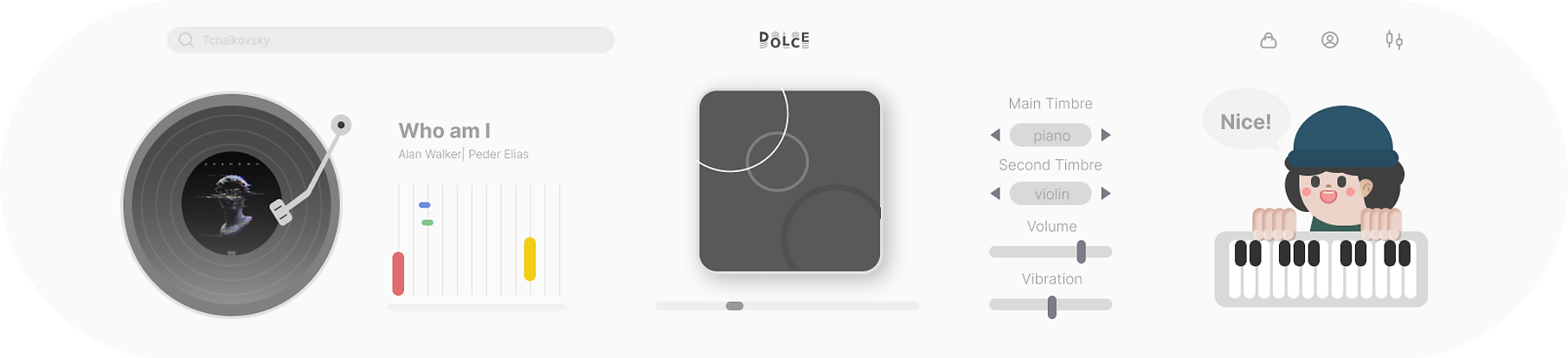
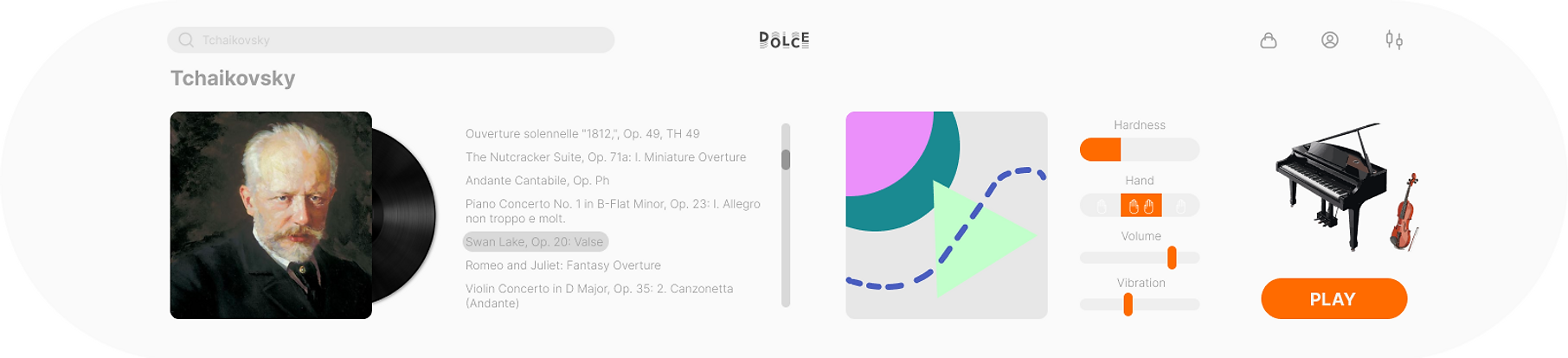
Pick the song to play, the playing mode and the timbre you want